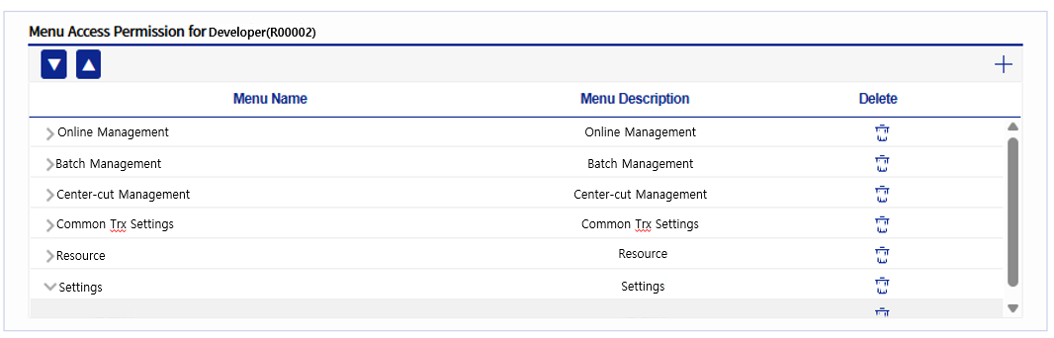
Role Management
This menu manages the roles assigned to users. Roles have menu usage permissions. Depending on the role, the menus available in Admin can be configured differently.
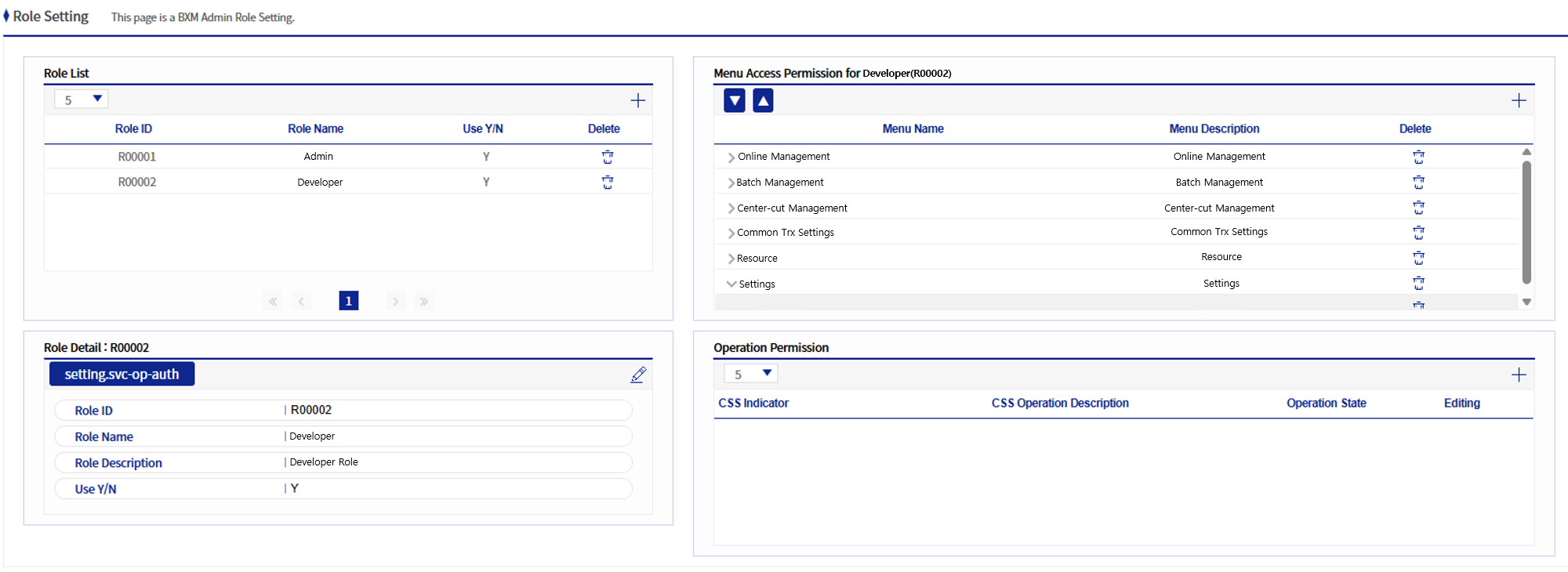
Figure 1. Role Management
1. Role Management Area
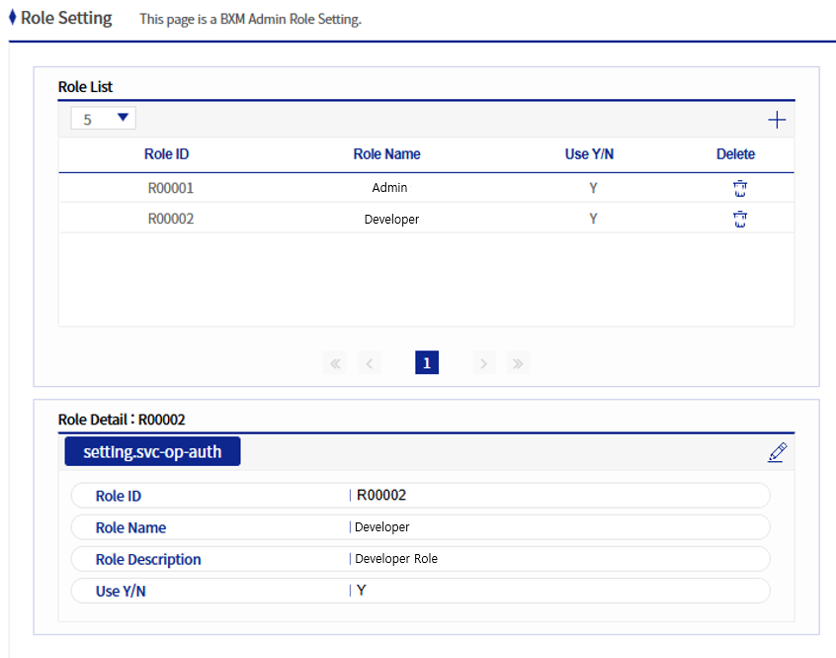
Figure 2. Role Management Area
This area allows you to add/modify/delete roles.
1.1. Role Add/Modify Popup
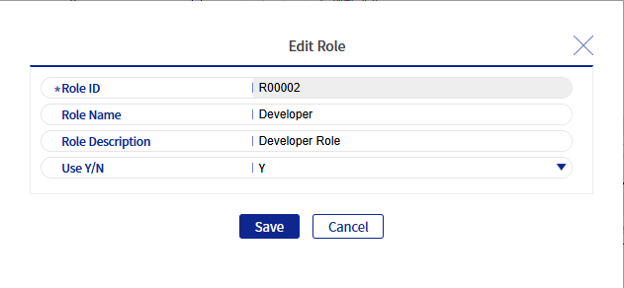
Figure 3. Role Add/Modify Popup
Refer to the following table for descriptions of each field.
| Field Name | Description |
|---|---|
Role ID |
A unique value that represents a role. |
Role Name |
The name of the role. |
Role Description |
The description of the role. Up to 512 bytes can be entered. |
Use Status |
Indicates whether the role is used. |