BXM
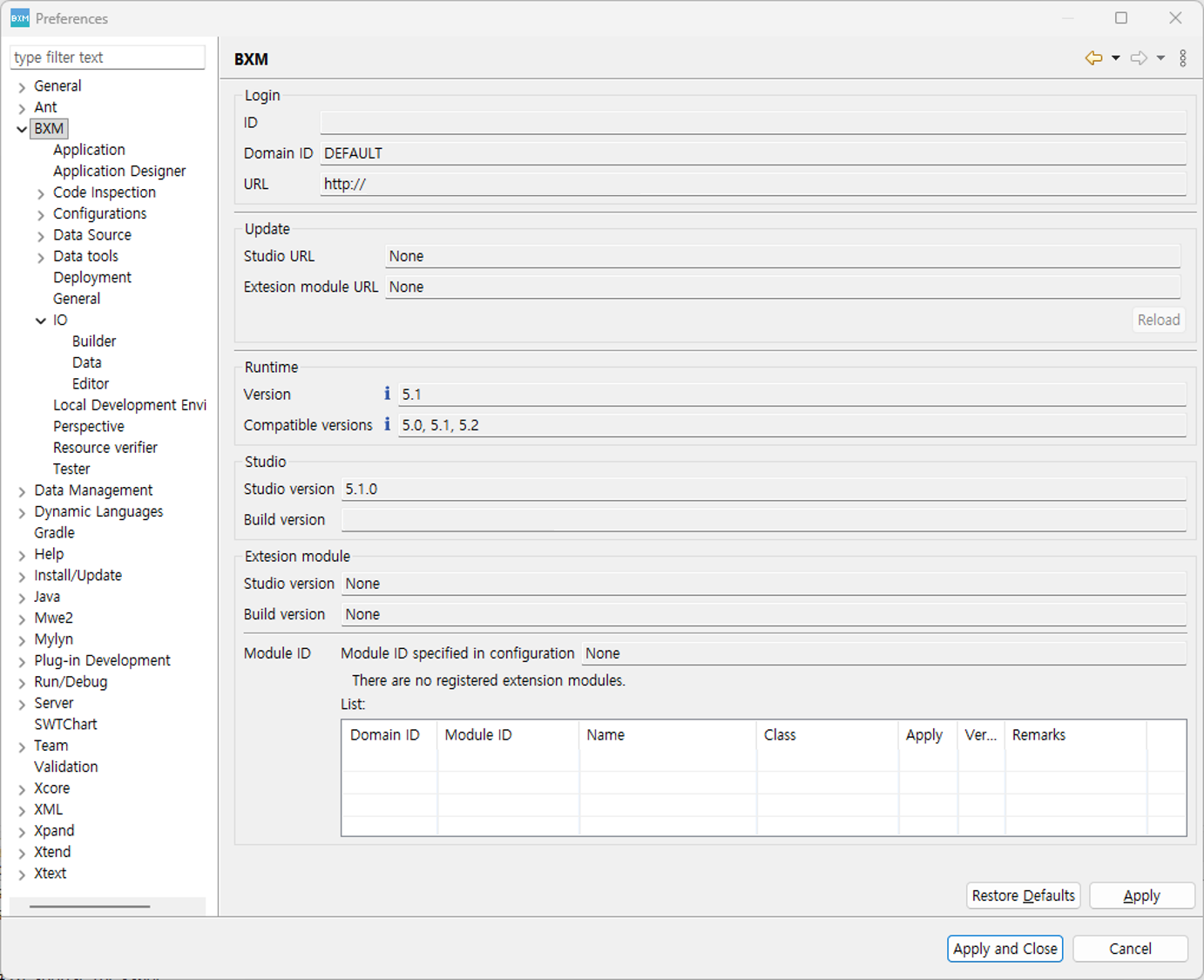
You can check the provided Preferences screen by selecting Window → Preferences → BXM. You can check the version and build version of the development tool.
If you are operating an update site, you can check the update status. You can also refresh it through the Reload button.
Depending on the development environment, if a module that extends the functionality of the development tool is used, you can check the extension module’s version and build version.