Studio Settings Management
This menu manages the settings used in BXM Studio.
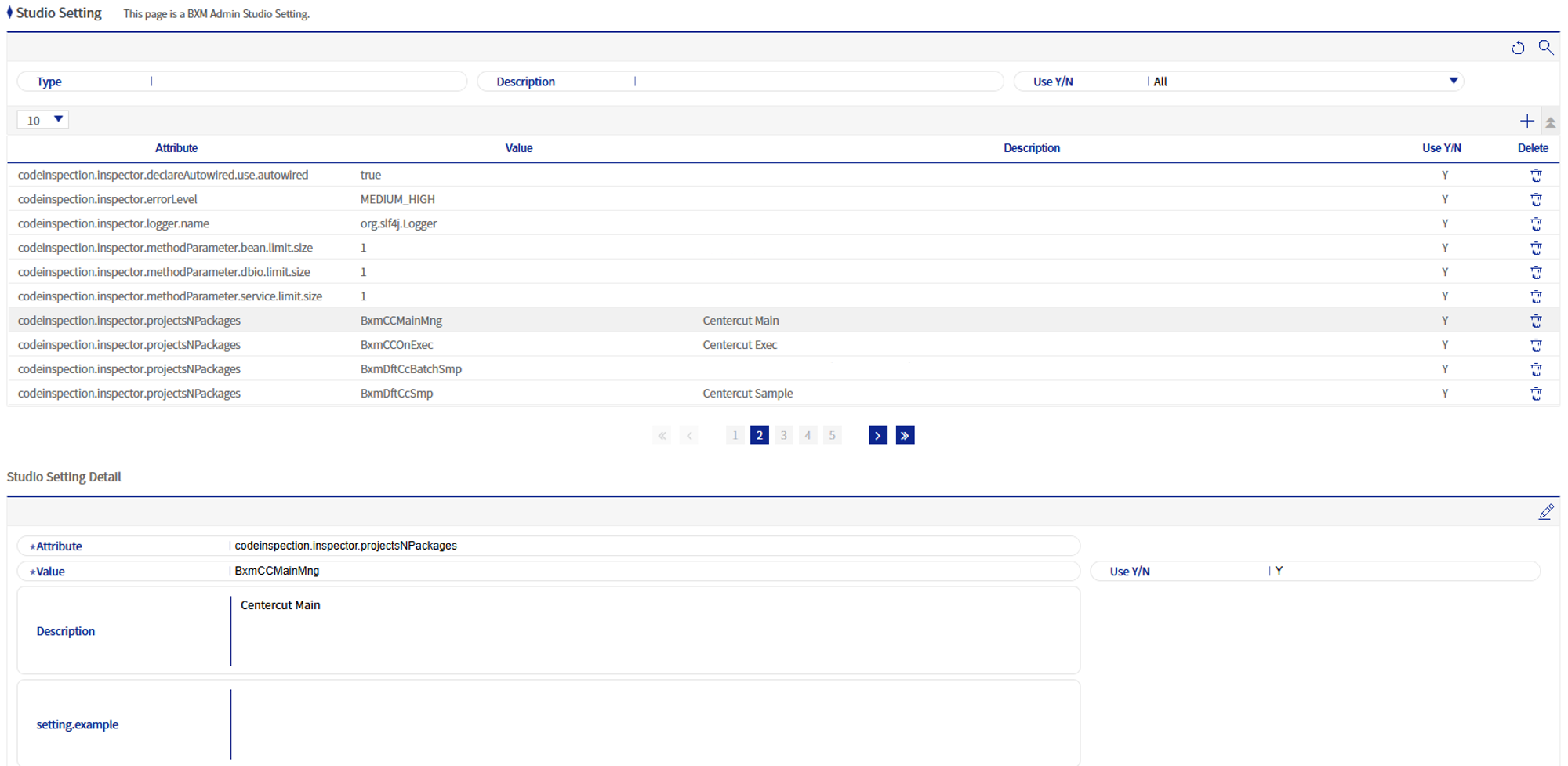
Figure 1. Studio Settings Management
1. Studio Settings Add/Edit Popup
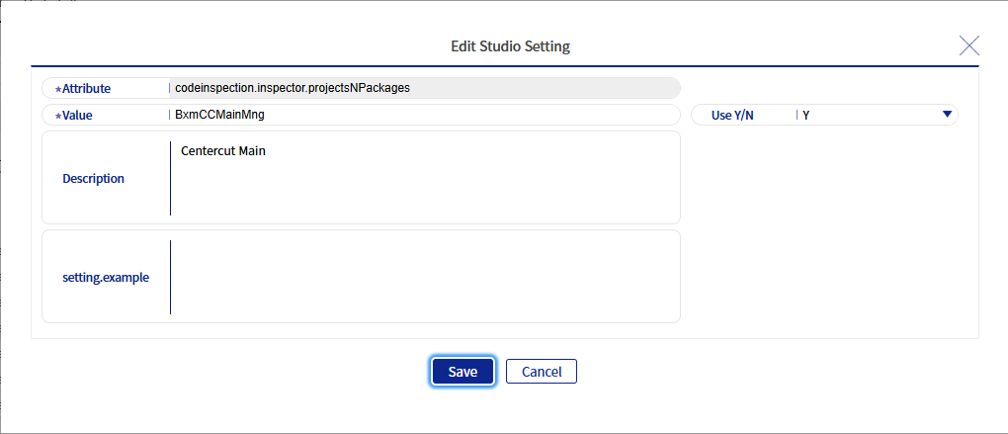
Figure 2. Studio Settings Add/Edit Popup
Refer to the following table for descriptions of each field.
| Field Name | Description |
|---|---|
Property |
Sets the property that will be the key of the setting. |
Value |
Enters the setting value. Up to 500 bytes can be entered. |
Description |
Enters the description of the setting. Up to 1000 bytes can be entered. |
Usage Status |
Sets whether to use the setting. |