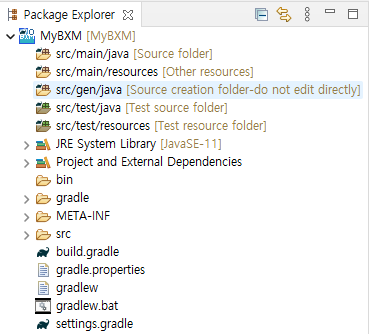
New BXM Project
Create a BXM project to develop an application that runs in the BXM environment.
-
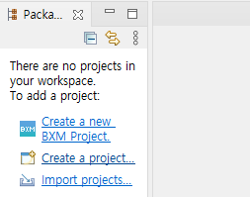
In Package Explorer, click Create a New BXM Project.
Or right-click an empty area in Package Explorer → select 'New BXM Project'.
-
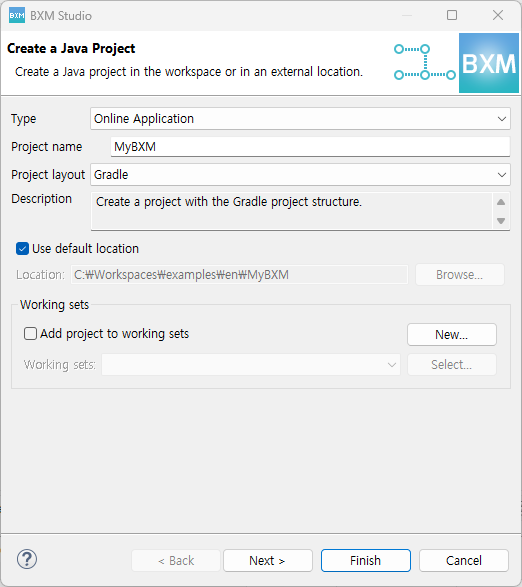
Enter the required information in the New BXM Project wizard.
-
Type: You can select an online or batch application.
-
Project name: Enter the name to be used in the application.
-
Project layout: You can configure the project with Gradle.

-
Gradle: Creates the project with the Gradle project structure.
-
-
After entering the required information, click the Finish button to create the necessary resources in the workspace.