Center-cut Execution

There are three methods to execute a center-cut.

  • BXM Web Admin Execution

    Center-cut execution and stop control can be performed on the 'Center-cut Job Status' screen of BXM Web Admin.

  • BXM Batch Execution

    Center-cut can be executed using an execution script developed with BXM Batch. For details about the execution script, contact the center-cut administrator.

  • Automatic Execution

    If the job is set to automatic execution when registering the center-cut, the extracted center-cut will be executed automatically according to the conditions.

1. Example of Center-cut Execution via BXM Web Admin

Among the center-cut execution methods, the method of executing via Web Admin is as follows.

1.1. Batch Execution for Center-cut Extraction

Deploy and execute the batch file created above to extract the center-cut data. (For registration, deployment, and execution of the batch file, refer to the batch guide.)

cc batch run
Figure 1. Execution of DepositCcBatch

1.2. Center-cut Execution

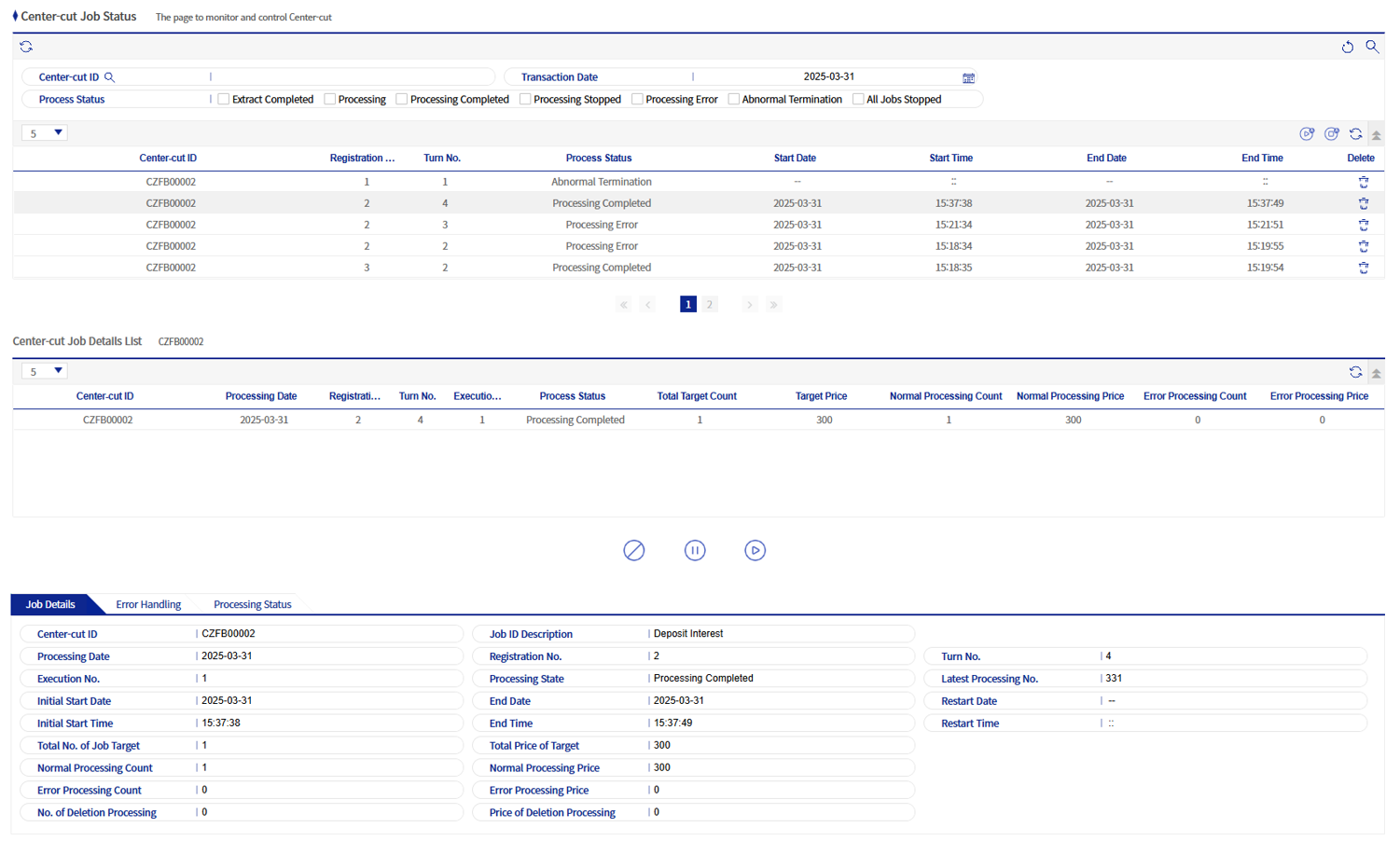
In Center-cut Management > Center-cut Job Status, check that the corresponding center-cut has been extracted completely.

cc centercut run 01
Figure 2. Confirmation of CZFB00002

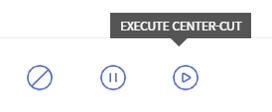
Execute the center-cut using the Run button.

cc centercut run 02
Figure 3. Execution
SWLab Bankware Global
  • 전체
  • BXM
  • BXCM
  • BXCP
  • BXI
제품 선택 시 더 정확한 매뉴얼 가이드를 제공해드립니다.

Copyright© Bankwareglobal All Rights Reserved.