Batch Job Group Management
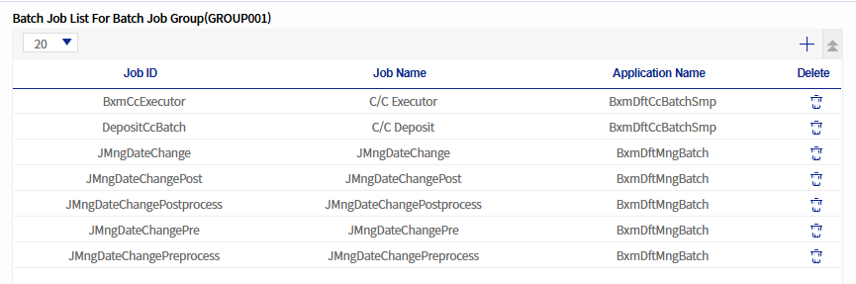
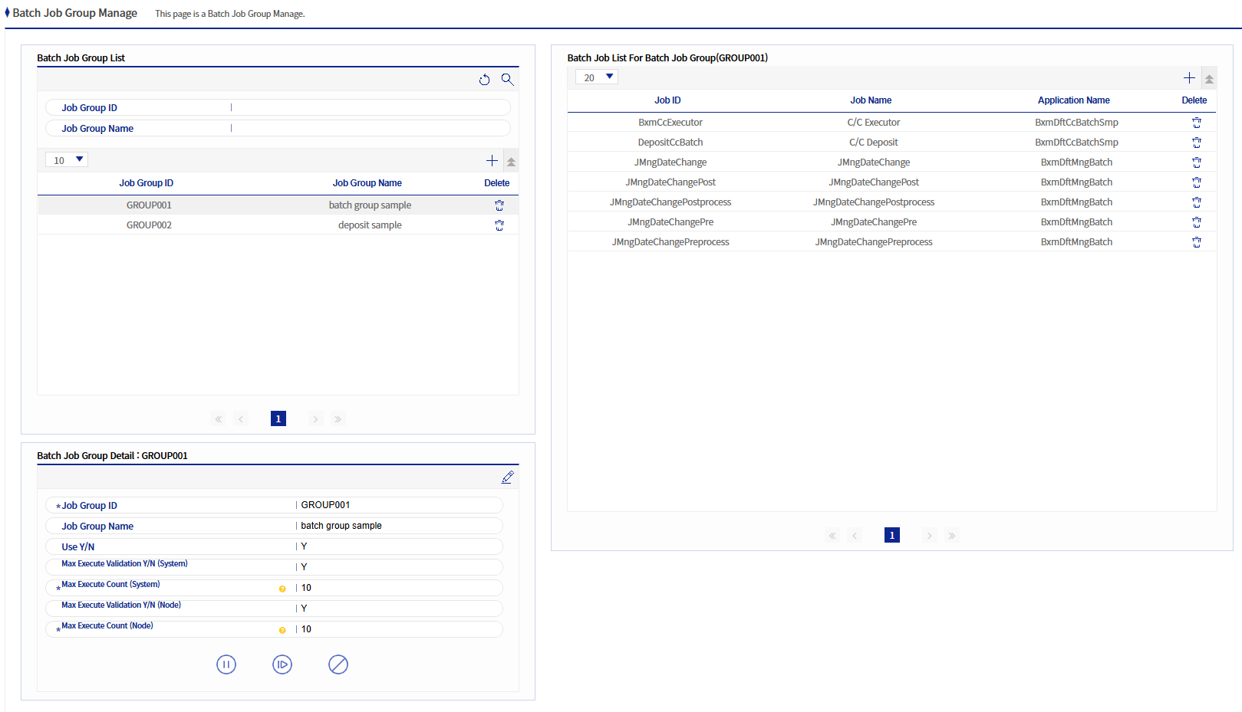
This screen manages BXM Batch job groups. BXM Batch jobs can be included in batch job groups, enabling batch control.
1. Batch Job Group Area
1.1. Basic Area
This area manages batch job groups, where you can add, modify, and delete them.
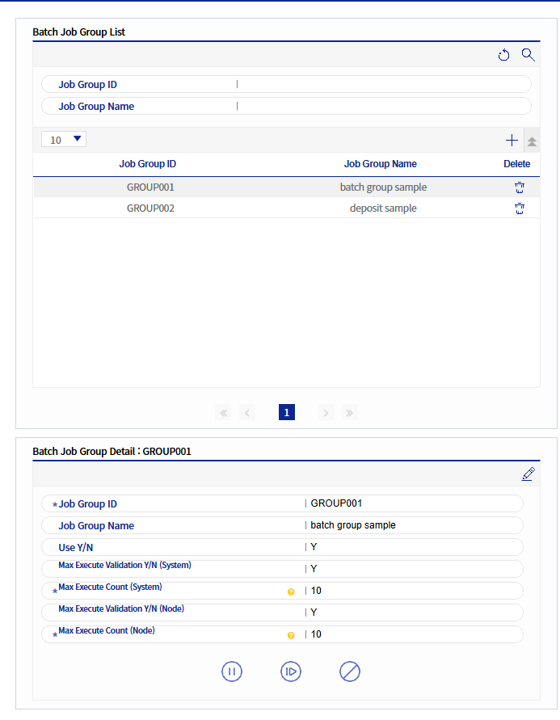
Refer to the following table for each item of the batch job group.
| Field Name | Description |
|---|---|
job group ID |
ID of the Batch job group. |
job group name |
Sets the name of the Batch job group. |
Usage status |
Sets whether to use the Batch job group. |
Whether the max execution count in the system has been validated |
Sets whether to validate the maximum execution count in a single system. |
Max execution count in a system |
Sets the maximum execution count in a single system. This is applied only when "Whether the max execution count in the system has been validated" is "Y". |
Verification whether the max execution count per node should be validated |
Sets whether to validate the maximum execution count in a single node. |
Max execution count in a nod |
Sets the maximum execution count in a single node. This is applied only when "Verification whether the max execution count per node should be validated" is "Y". |
1.2. Control Area
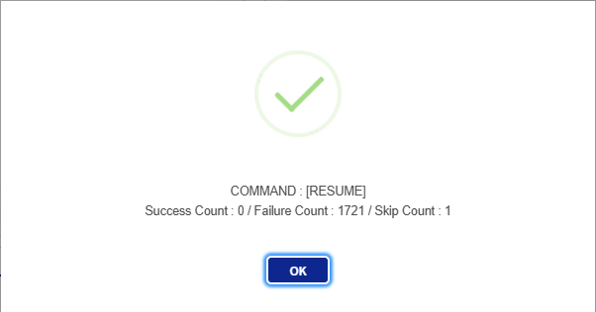
This area allows batch pause, restart, and forced termination control for batch jobs belonging to a batch group.
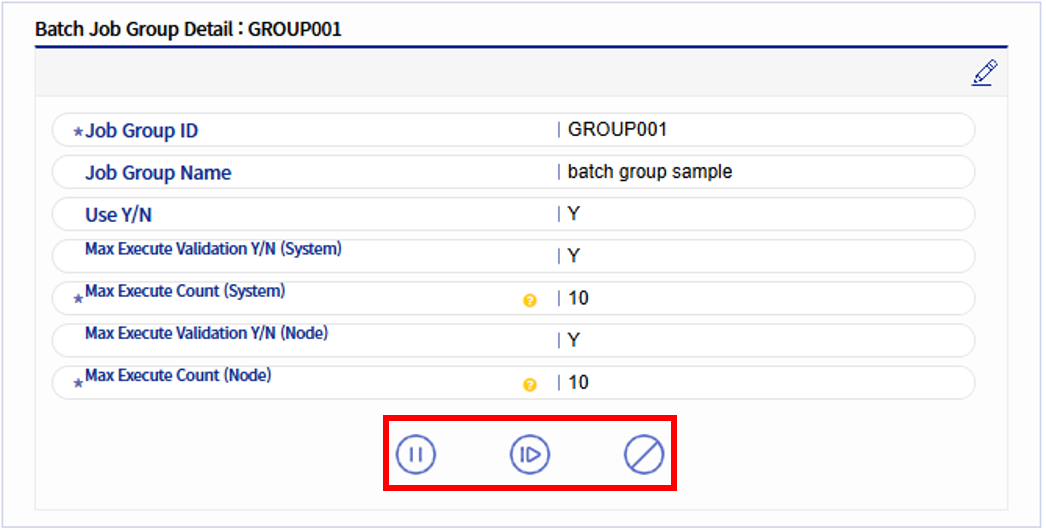
| Icon | Description |
|---|---|
|
Pause button. Pauses the jobs that are in a pausable state among the jobs belonging to the batch group. If not applicable, they are SKIPped. |
|
Restart button. Restarts the jobs that are paused among the jobs belonging to the batch group. If not applicable, they are SKIPped. |
|
Forced termination button. Force-terminates the jobs that are in a state where forced termination is possible among the jobs belonging to the batch group. If not applicable, they are SKIPped. |