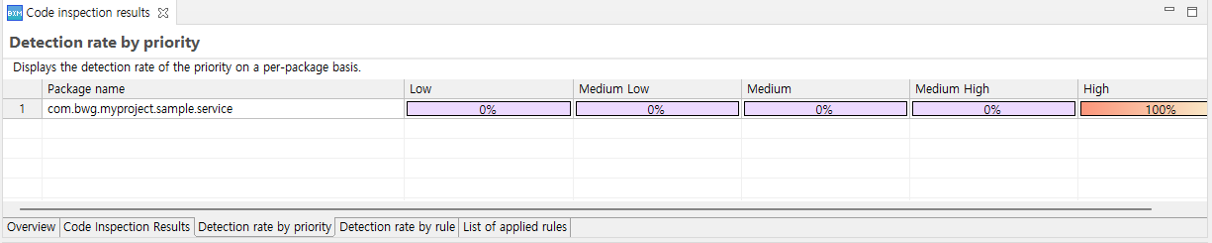
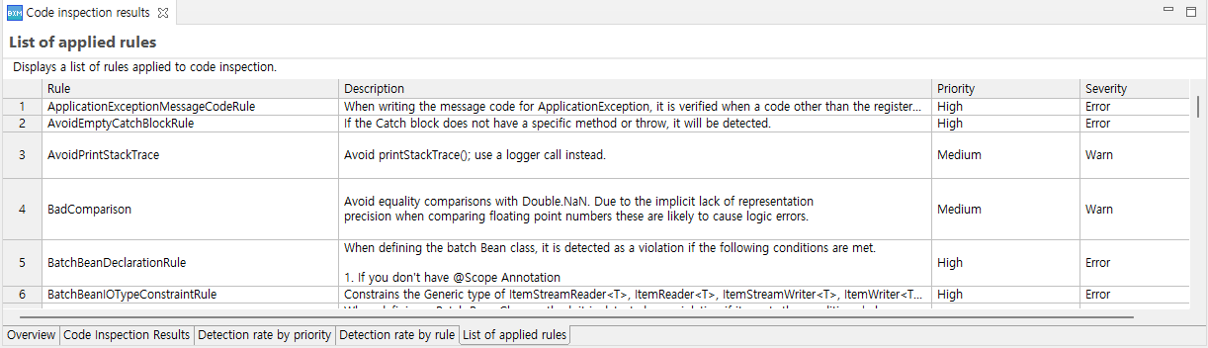
Code Inspection
You can check the results of the code inspection.
1. Performing Code Inspection
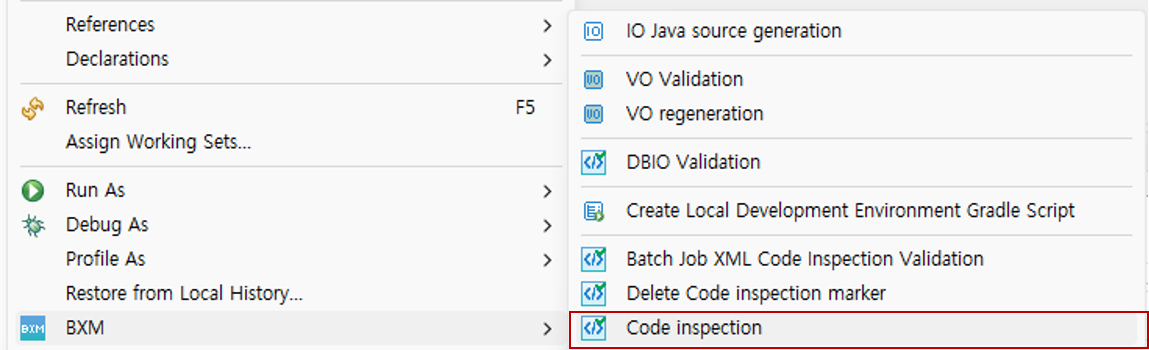
Select the project → right-click → select the BXM → Code Inspection menu to perform a code inspection.
2. Overview
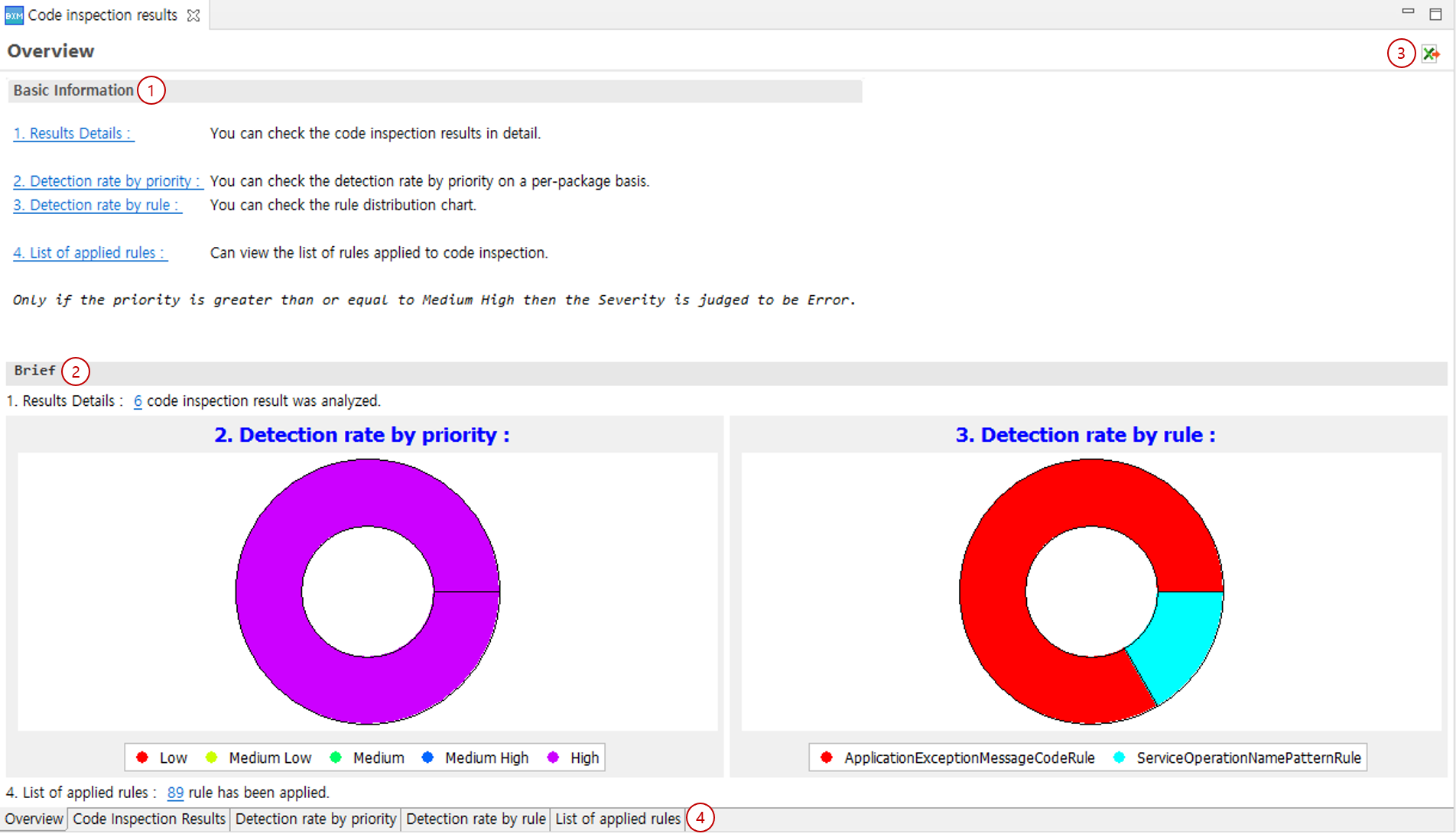
You can check a summary of the execution results.
-
Basic Information: Displays basic information about the verification items.
-
Brief: Outputs detection details as graphs by priority and rule.
-
Export results Excel: Allows you to export the verification content to an Excel file.
-
Tabs: You can check detailed information in the provided tabs.